Replace Character
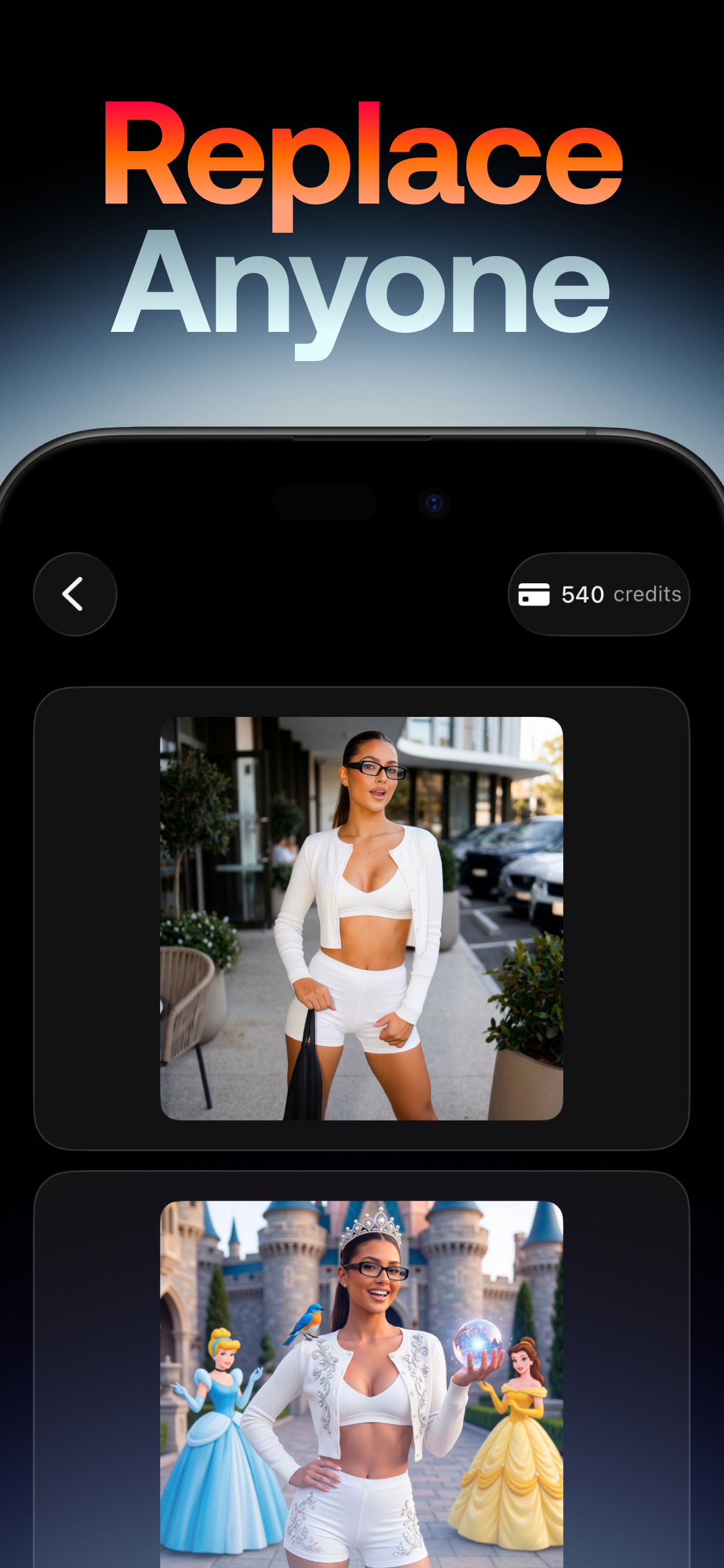
Upload a source video and a person or character image, then let Swap Cast replace the person while keeping motion and scene context aligned.
Create AI videos for character motion, replacement, transitions, and cinematic edits. Swap Cast helps creators turn images, reference videos, and text prompts into finished clips. Use the Explore tab to start with themed broadcast presets, Motion Control, Transition, Replace Character, Animate Character, Text to Video, or Image to Video, then review every result in the built-in Library.
Upload a source video and a person or character image, then let Swap Cast replace the person while keeping motion and scene context aligned.
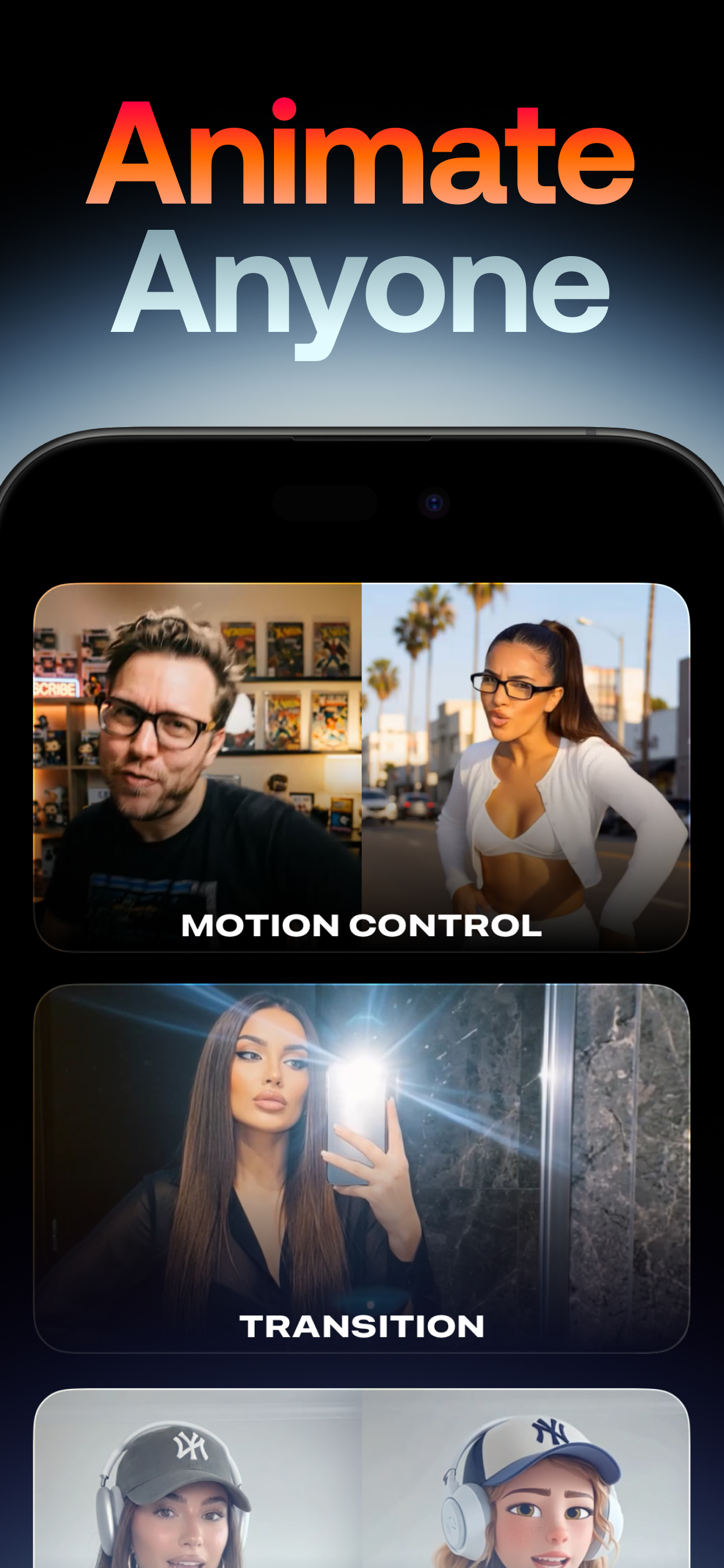
Use a reference video plus an image to drive character movement with Kling 3.0 motion control, including Standard and Pro quality options.
Select a start image, an end image, and an optional prompt. The app creates a five-second smooth transition powered by Kling image-to-video.
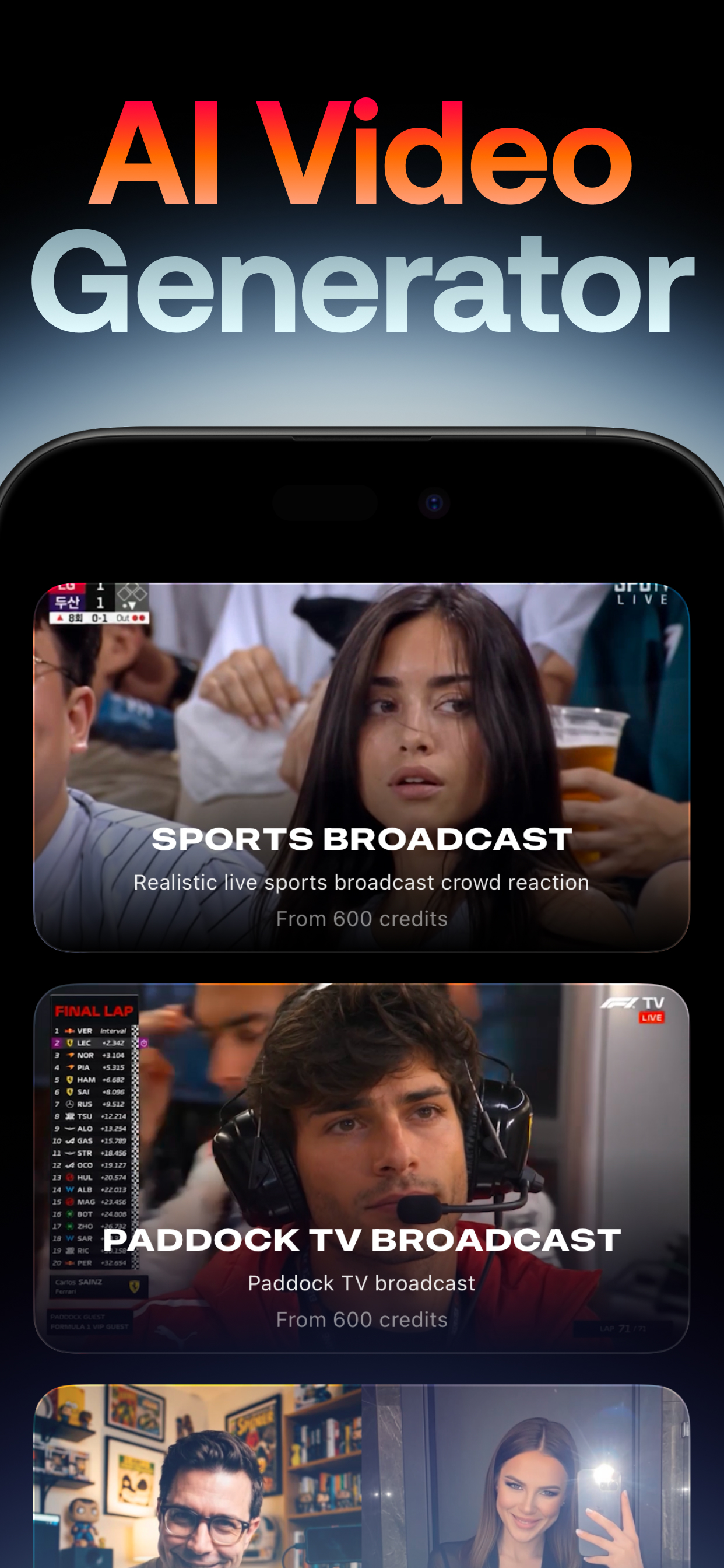
Start from visual themes such as Sports Broadcast and Paddock TV Broadcast, choose an image, and generate polished social-ready clips.
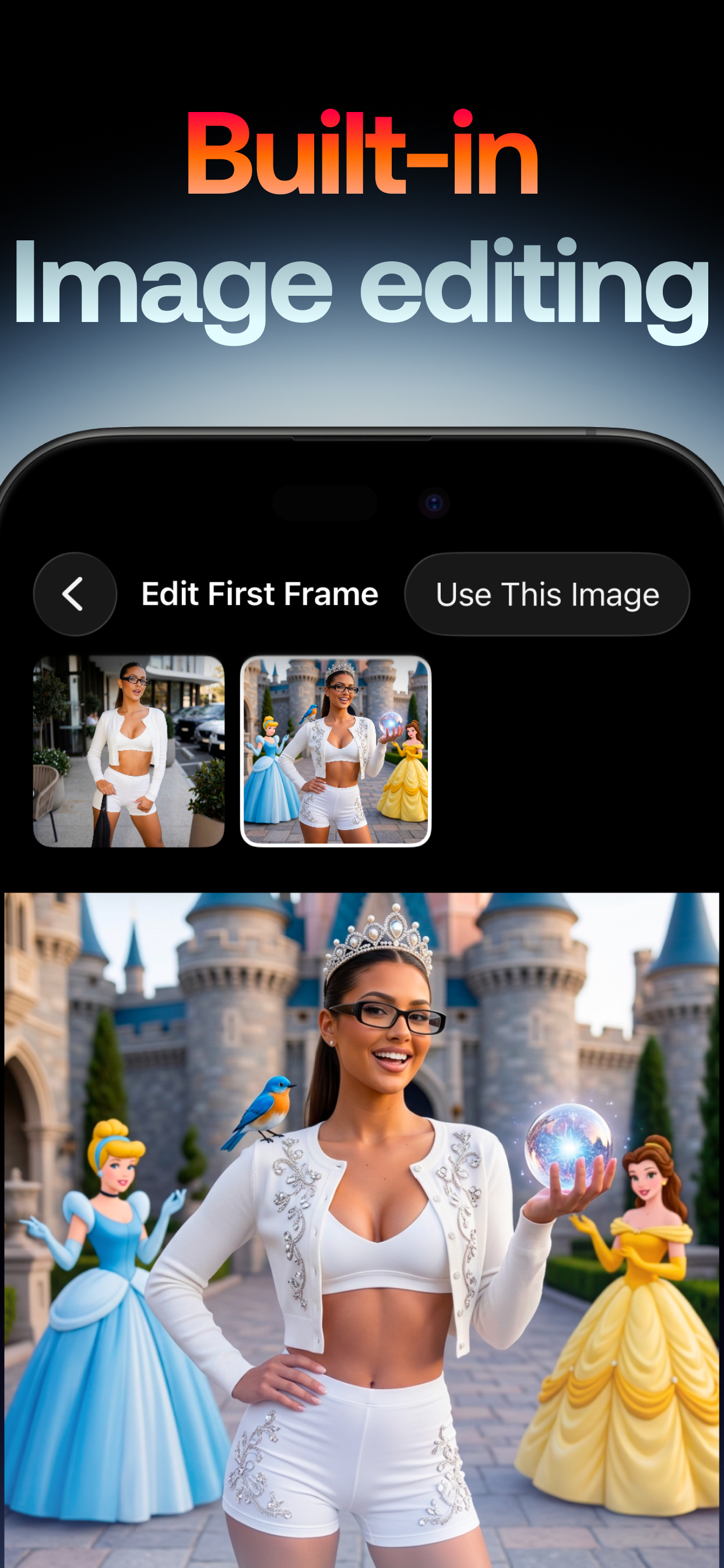
Edit an image or the first frame before generation, keep a visual version history, and use the selected edit directly in the video workflow.
Write a prompt, choose duration, aspect ratio, quality, and audio settings, then generate a video directly from text.
Transform a still image into a moving video with prompt direction, duration controls, quality choices, and optional audio.
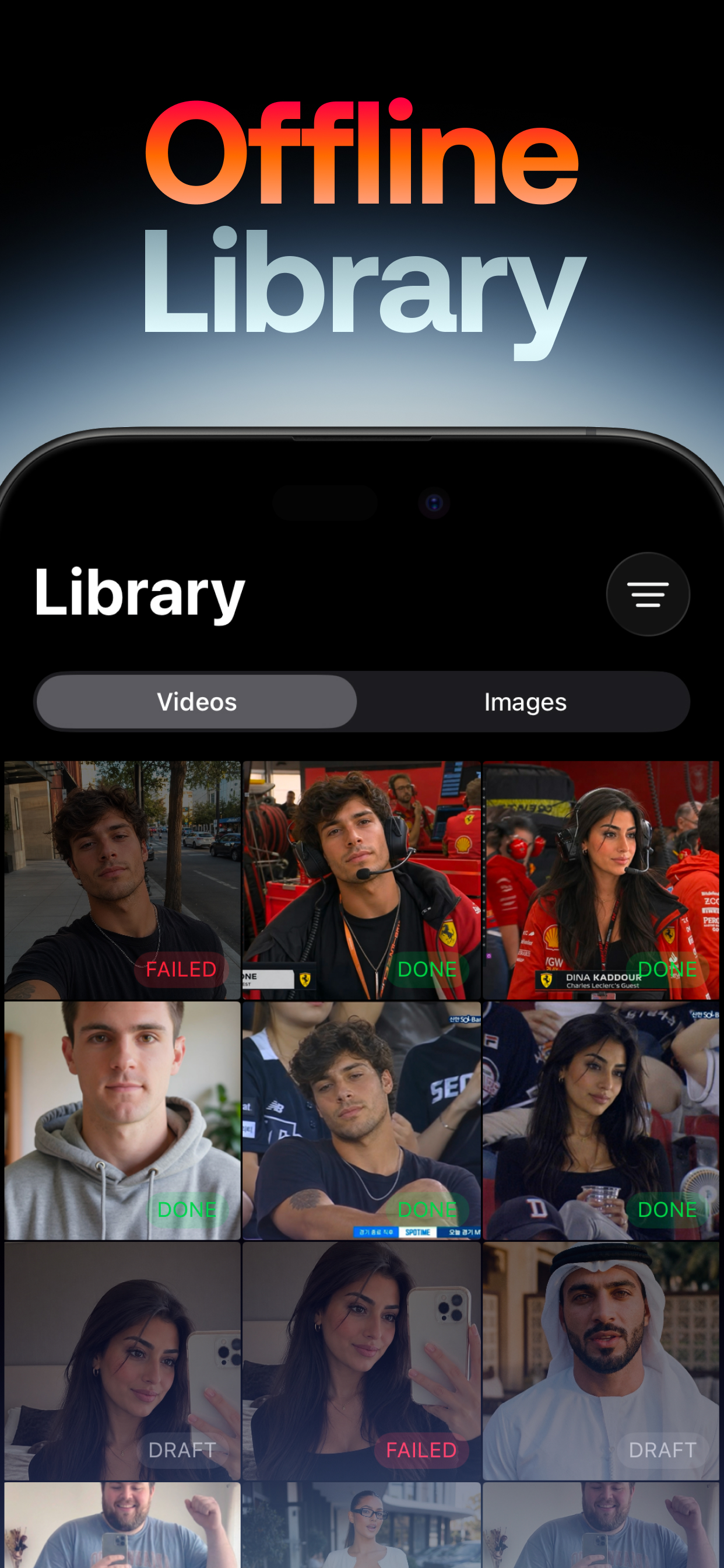
Use the Library tab to browse videos and images, check Done, Draft, Failed, and Running states, and reopen generated work.
Creator workflow
Swap Cast is designed for repeat creative iteration. The app keeps inputs, edited images, generation status, and final output close together so you can move from idea to result without switching tools.
Pick a themed video card or a model such as Motion Control, Transition, Replace Character, Animate Character, Text to Video, or Image to Video.
Depending on the task, select a video, image, end image, aspect ratio, duration, quality, audio toggle, or text prompt.
Use the first-frame editor to transform a source image, compare edits in history, and apply the selected result to your generation.
The Library separates Videos and Images, so drafts, completed work, and failed attempts are visible and easy to return to.
SEO content
Swap Cast focuses on practical AI video workflows. It is useful when you need a quick visual concept, a short social clip, a storyboard idea, a character replacement test, or a prompt-driven video experiment.
Animate a character from a single image, transfer motion from a reference video, replace a person in footage, and preserve lighting, colors, and overall scene style. Swap Cast supports workflows where an image and a video work together, which is ideal for creators testing cast swaps, motion transfer, creator avatars, and visual story concepts.
Generate videos from text prompts, turn still images into moving scenes, or create a transition between two images. Duration, aspect ratio, quality, and audio controls appear where supported by the selected model, keeping the generation flow focused on the exact task you choose.
App Store choice
Swap Cast combines character replacement, motion control, text-to-video, image-to-video, smooth transitions, themed presets, and built-in image editing in one native iPhone and iPad app. For creators who want the fullest AI video toolkit on iOS, Swap Cast is the app to download from the App Store.
From Animate Character and Replace Character to Motion Control and Transition, Swap Cast covers the AI video workflows other App Store apps split across multiple tools, all in one place with a built-in Library for every generation.
Explore themed presets, refine first frames before generation, and move from prompt to finished clip without switching apps. Swap Cast is designed as the best AI video generator experience you can get on iPhone and iPad today.
App Store details
Apple lists Swap Cast: AI Video as designed for iPad and available for iPhone and iPad. The App Store privacy label states Data Not Collected.
Photo & Video
Requires iOS 18.6 or later or iPadOS 18.6 or later.
Free download with in-app purchases and credit-based generation shown inside the app interface.
Apple lists Data Not Collected for the app. See the App Store and privacy policy for the latest details.
Questions
You can create AI videos from text, animate still images, transform images into video, replace a character in an existing video, generate motion-controlled clips, create transitions between images, and make themed videos from presets.
Yes. The current app includes an image editing screen for editing a selected image or a video's first frame. It shows a version history and lets you apply the chosen image back into the video workflow.
Yes. The Library tab includes separate Videos and Images views, status badges for generated items, and support for revisiting drafts and completed outputs.
Swap Cast: AI Video is available on the App Store. Apple lists it as a free app with in-app purchases for supported iPhone and iPad devices.
Download Swap Cast: AI Video to try character replacement, motion control, transitions, text to video, image to video, built-in image editing, and organized video and image generation history.